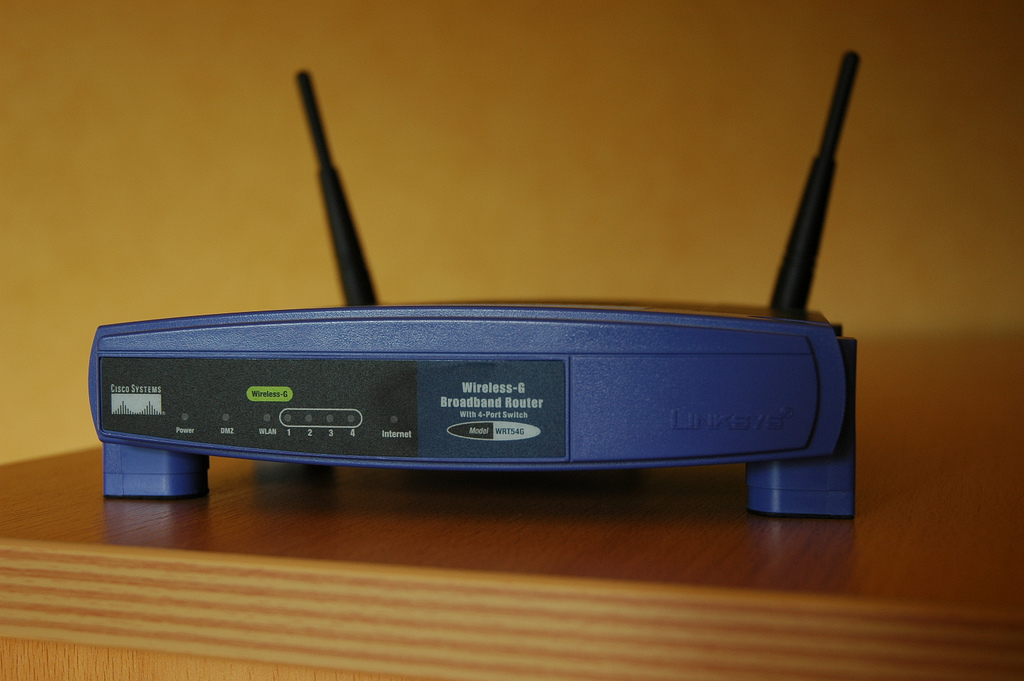
As I had mentioned in one of my earlier posts, securing your router is really crucial for your system security; you shouldn’t ignore it. There have already been a lot of cases of hacking/phishing, where the intruders hacked into wireless networks, carried out illegal activities, and the concerned persons had to go through quite some hardship. You just need to perform a few basic tweaks, and that should be sufficient to ensure the security of your router.
Basics: Set a difficult password:
Change the default password; leaving the router set to a default password would be a big mistake. You need to set a tough, alphanumeric password; you can check your password’s strength at HowSecureIsMyPassword – along with that, you may get a randomly generated password from Secure Password Generator and Random Password Generator. Before setting the password, note it down somewhere first, as you and the other members who are on the same wireless network will need it. Finally, changing the wireless password once every week or two, is highly recommended.
Change the SSID Name:
The router’s SSID Name is either set to default or set to the brand name of the router. ex: ‘netgear’, you will need to change the default one, and assign a name to it. This will not help in improving the security of the network, but you and the other members will atleast be sure that you are connecting to the correct network. One thing to remember is not to set common names, or your name, or any contact or personal info as the SSID name for the router.
Enable Encryption:
There are mutiple encryption methods available in your router’s wireless settings. WEP is the basic one, but its the least secure, so avoid using it. WPA2 (Wi-Fi Protected Access version 2) is the most secure encryption method available. In your router’s configuration page, go to Wireless Security Settings, select the WPA2 security method, and enter a passphrase to access the network. Again, set a tough, alphanumeric passphrase, something that would be difficult to guess.
Enable MAC address filtering:
Every device, mobiles, computers and networking equipments have a unique MAC address. Make a list of all the desktops, laptops and network devices that should be allowed to connect to your wireless network, get their MAC addresses and add them to MAC address filtering in your router’s administrative settings.
Decrease the Signal range:
If you are working from a small space, e.g. workshop or room, you can consider decreasing the signal range by changing the router’s mode to 802.11g or by using a different wireless channel.
Make sure the router firmware is updated:
You’ll have to check your router manufacturer’s website occasionally to make sure that your router is running the latest updated firmware. You can find the existing firmware version in your router page itself.
Keep an eye on your network:
In your router’s administration page, look for DHCP client table, then go to Status; here you’ll see the list of all devices connected to your network. If you notice any unknown connections, make sure to block it, then change the router’s password immediately.
Finally:
If you and the other users are on leave, or when no one’s coming to work, its better to switch off the router – this would save electricity, and also keep your network safe from potential hackers/intruders
If you’ve got any other tips to secure a router better, do share it in the Comments section below.
Photo Source: NickZse
Against the backdrop of a resilient macroeconomic environment and sector-specific growth dynamics, salary increment budgets…
The Tech Panda takes a look at recent funding events in the tech ecosystem, seeking…
For years, many founders believed that successful fundraising was about building the perfect pitch deck.…
The Tech Panda takes a look at recent launches in the superfast field of Artificial…
As the growth prospects of economies around the world battle against skyrocketing costs, geopolitical instability,…
India has been upping the game in investments as Indian startups forge ahead with new…